
WordPress Website Maintenance Checklist
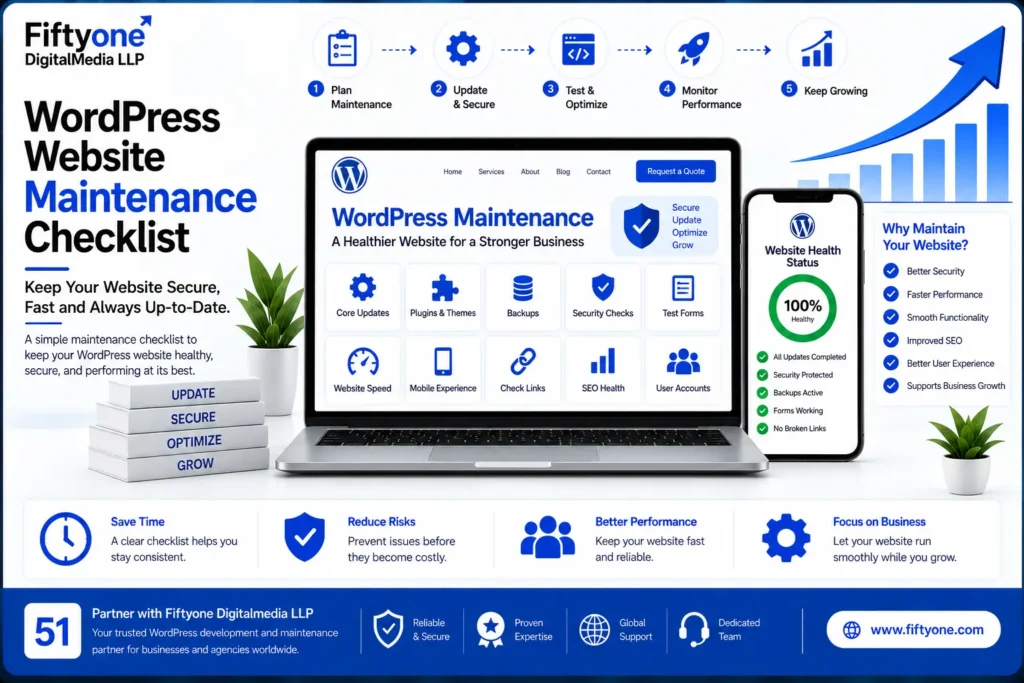
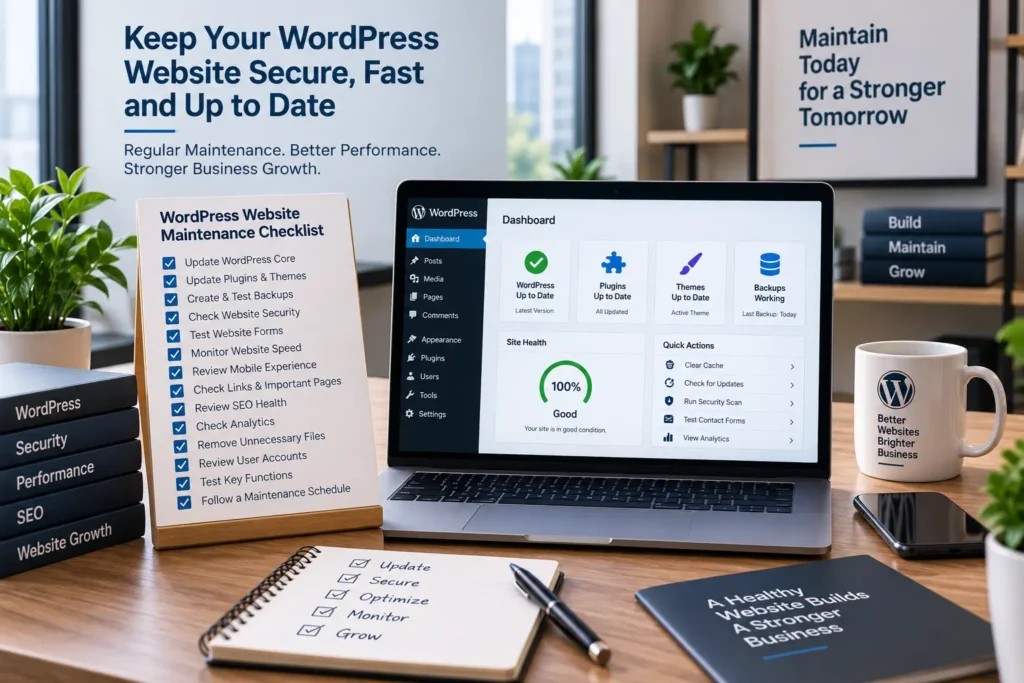
A WordPress website is not finished when it goes live.
WordPress core, plugins, themes, hosting environments, integrations, and website content can all require ongoing attention. Ignoring maintenance can eventually lead to security issues, broken functionality, slow performance, or unexpected compatibility problems.
For businesses and agencies managing websites for international clients, a regular maintenance routine makes it easier to identify problems before they become expensive fixes.
The good news is that WordPress maintenance does not have to be complicated. A structured checklist can help teams keep websites healthy without checking everything manually every day.
Check WordPress Core Updates
WordPress regularly releases updates that can include security improvements, bug fixes, and functionality changes.
Before updating a production website, it is sensible to understand what is changing and make sure a recent backup is available.
For important business websites, updates should be tested where practical rather than applied blindly.
A simple routine is:
- Check available WordPress updates
- Review compatibility
- Confirm a recent backup
- Apply updates
- Test the website afterward
The goal is not simply to keep the version number current. It is to make updates safely without disrupting the website.
Keep Plugins and Themes Updated
Plugins and themes extend WordPress functionality, but they also become part of the website’s maintenance requirements.
Outdated plugins can create compatibility and security concerns. At the same time, installing unnecessary plugins can make a website harder to maintain.
Review installed plugins regularly and ask whether each one is still needed.
Remove plugins that are no longer being used rather than leaving inactive software installed indefinitely.
Themes should also be maintained properly, particularly when the website relies on customizations or child themes.
Create and Test Backups
Backups are one of the most important parts of WordPress maintenance.
A backup can provide a recovery option if an update causes a problem, the website is compromised, or important content is accidentally removed.
A proper backup routine should consider:
- Website files
- Database
- Backup frequency
- Storage location
- Recovery process
Having a backup is not the same as knowing that the backup works.
Businesses should periodically verify that backups can actually be restored.
Review Website Security
Security maintenance should be ongoing rather than something performed only after an incident.
Review administrator accounts and remove unnecessary users or permissions. Use strong authentication practices and keep WordPress components updated.
Also monitor unusual activity and investigate unexpected changes to files, users, or website behaviour.
For business websites, security should be considered part of normal website management rather than a separate technical task.
Test Website Forms
Forms are easy to overlook because they can appear to work perfectly from the front end while messages are not reaching the intended recipient.
Test important forms periodically.
Check:
- Contact forms
- Lead forms
- Newsletter forms
- Booking forms
- Account registration
- Confirmation messages
For businesses that depend on website leads, a broken form can directly affect potential customers.
Check Website Speed
Website performance can change over time.
New plugins, large images, additional scripts, tracking tools, and theme changes can gradually make pages slower.
Regularly review important pages on both desktop and mobile devices.
Look for unusually large images, unnecessary scripts, excessive plugins, and other elements that may affect performance.
Performance should be monitored continuously rather than optimized once and forgotten.
Review Mobile Experience
A website can look fine on a desktop while creating problems on smaller screens.
Check important pages on mobile devices and look for:
- Navigation problems
- Overlapping elements
- Difficult-to-read text
- Broken buttons
- Incorrect spacing
- Forms that are difficult to complete
Mobile usability is particularly important for businesses receiving traffic from search, advertising, and social platforms.
Check Links and Important Pages
Websites change frequently.
Pages get removed, URLs change, products become unavailable, and links can become outdated.
Review important internal and external links periodically.
Pay particular attention to:
- Main navigation
- Service pages
- Contact pages
- Important landing pages
- Internal links
- Calls to action
Fixing broken links helps visitors reach the information they need and keeps the website easier to navigate.
Review Website SEO Health
Maintenance should also include basic SEO checks.
Look for unexpected changes to:
- Indexable pages
- Page titles
- Meta descriptions
- Canonical URLs
- XML sitemap
- Robots directives
- Internal links
- Redirects
This does not replace a complete SEO campaign. It simply helps prevent technical changes from accidentally damaging existing search visibility.
Check Analytics and Search Data
Analytics and search data can reveal problems that are not obvious when visiting the website manually.
Monitor important trends such as organic traffic, search impressions, clicks, conversions, and landing-page performance.
A sudden change does not always mean something is wrong, but unusual patterns deserve investigation.
Search Console can also help identify indexing and search-related issues.
Remove Unnecessary Website Elements
WordPress websites can gradually accumulate unused plugins, themes, media files, drafts, test pages, and other resources.
Regular cleanup can make website management easier.
However, avoid deleting anything without confirming that it is genuinely unused.
Before removing files or database content, ensure a reliable backup exists.
Review User Accounts
User access should be reviewed periodically, especially for business websites managed by multiple people.
Remove accounts that are no longer required and make sure existing users have appropriate permissions.
Not every person needs administrator-level access.
Limiting unnecessary privileges reduces the potential impact of a compromised account.
Test Key Website Functions After Major Changes
After significant updates or development work, perform a basic website test.
Check the homepage, navigation, forms, important landing pages, ecommerce functionality, integrations, and mobile experience.
This is particularly important when several plugins or systems interact with each other.
A small amount of testing after an update can prevent a technical issue from remaining unnoticed for weeks.
Create a Practical Maintenance Schedule
Not every maintenance task needs to happen every day.
A simple schedule can make maintenance easier to manage.
Regular Checks
Monitor updates, backups, security alerts, forms, and important website functions.
Periodic Checks
Review performance, broken links, user accounts, plugins, themes, and SEO health.
Larger Reviews
Conduct a broader website review when the site undergoes major changes, receives significant traffic growth, or adds new functionality.
The exact frequency should depend on the website’s size, traffic, functionality, and business importance.
When Should You Outsource WordPress Maintenance?
Some businesses can manage basic maintenance internally. Others prefer to have a development team handle technical tasks.
Outsourcing can be useful when the website requires regular updates, security monitoring, performance work, technical fixes, or ongoing development.
It can also help marketing agencies that manage multiple client websites and do not want to hire dedicated WordPress developers for every account.
For agencies looking for external development capacity, White Label Web Development Solutions for Marketing Agencies explains how development support can operate behind an agency’s own brand.
Common WordPress Maintenance Mistakes
The biggest mistake is treating maintenance as an occasional emergency task.
Other common problems include updating everything without testing, keeping unnecessary plugins installed, ignoring backups, giving too many users administrator access, and never checking whether forms and important website functions still work.
Another mistake is focusing only on security while ignoring performance, usability, SEO, and functionality.
Effective maintenance looks at the website as a complete system.
Why Fiftyone Digital Media
Fiftyone Digital Media provides WordPress development and maintenance support for businesses and agencies serving international markets.
Support can include WordPress updates, technical fixes, performance improvements, website maintenance, redesigns, custom development, and ongoing technical assistance.
For agencies managing multiple client websites, external development support can provide additional technical capacity without requiring a full-time WordPress developer for every project.
Frequently Asked Questions
How often should a WordPress website be maintained?
Maintenance frequency depends on the website. Business websites with regular updates, ecommerce functionality, or multiple integrations generally require more frequent attention than simple informational websites.
What is the most important WordPress maintenance task?
There is no single task. Updates, backups, security, performance, functionality testing, and monitoring all contribute to a healthy website.
Should unused WordPress plugins be removed?
If a plugin is genuinely no longer required, removing it can simplify website maintenance. Always confirm that it is not being used before deleting it.
Can WordPress maintenance be outsourced?
Yes. Businesses and agencies can outsource technical maintenance, updates, security checks, performance work, and ongoing development to a WordPress specialist.
Conclusion
WordPress maintenance is an ongoing process that protects website functionality, security, performance, and usability.
A good maintenance routine does not require constant technical work. It requires consistent checks and a clear process for identifying and fixing problems.
Businesses should regularly review updates, backups, security, forms, performance, mobile usability, links, SEO health, and user access.
For agencies and businesses that do not want to manage every technical task internally, professional WordPress maintenance support can provide a practical way to keep websites reliable while internal teams focus on marketing and business growth.
